



For Product Technical Support:
1. Please join the Bitfunx Discord :https://discord.gg/ewRspdnt3Z
2. Please visit Bitfunx Official Store to contact customer service.
3. E-mail : barry@bitfunx.com
4. Visit Bitfunx on Youtube to see more videos of the product in use.
( https://www.youtube.com/@bitfunx9713)

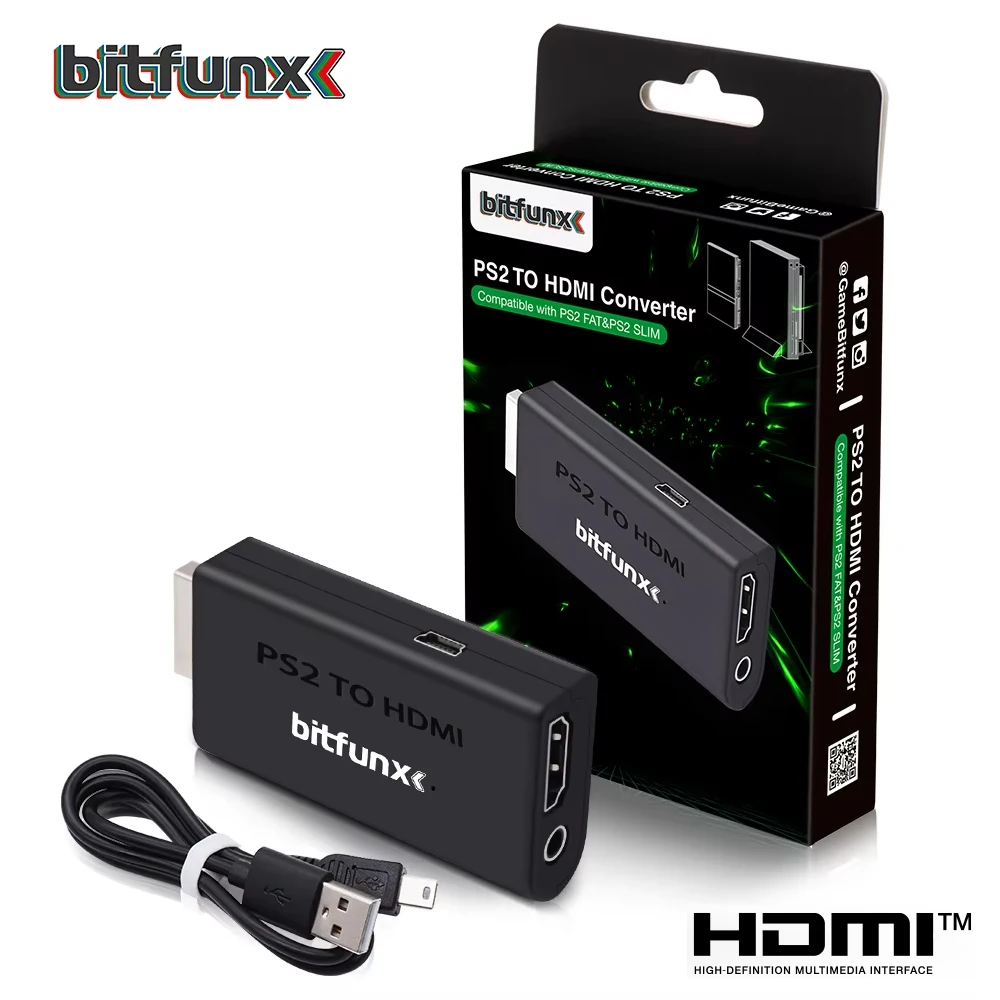
Bitfunx PS2 YPBPR to HDMI™ Adapter 3.5mm Audio Video Converter for SONY Playstation 2 PS2 PS3 Console
Introduction
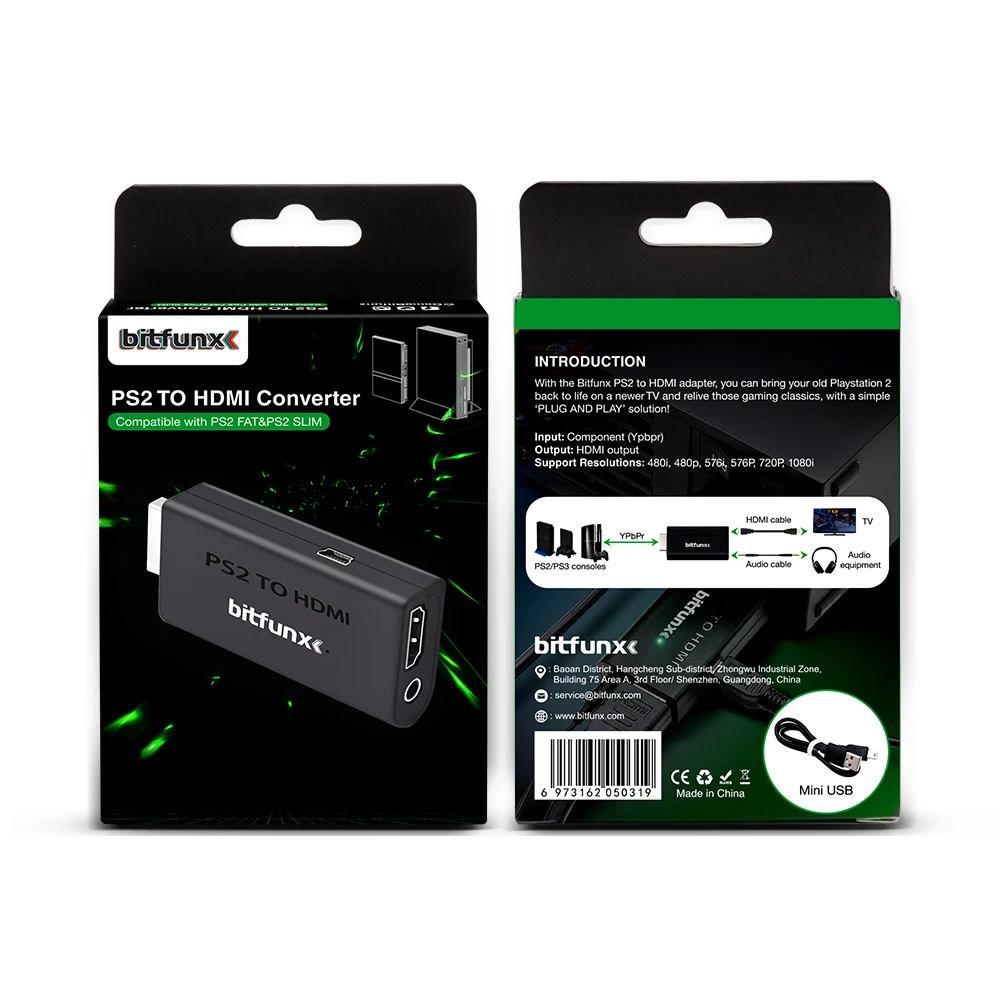
The majority of modern Televisions have connectivity via HDMI™ and lack some of the older inputs which retro game consoles use. With the Bitfunx HDMI™ adapter, you can bring your old Playstation 2 back to life on a newer TV and relive those gaming classics, with a simple ‘PLUG AND PLAY’ solution!
NOTE :Only support YPBPR signal .
Therefore, please set the output signal of your PS2 console to YPBPR signal in advance when using it.

Setup and Compatibility
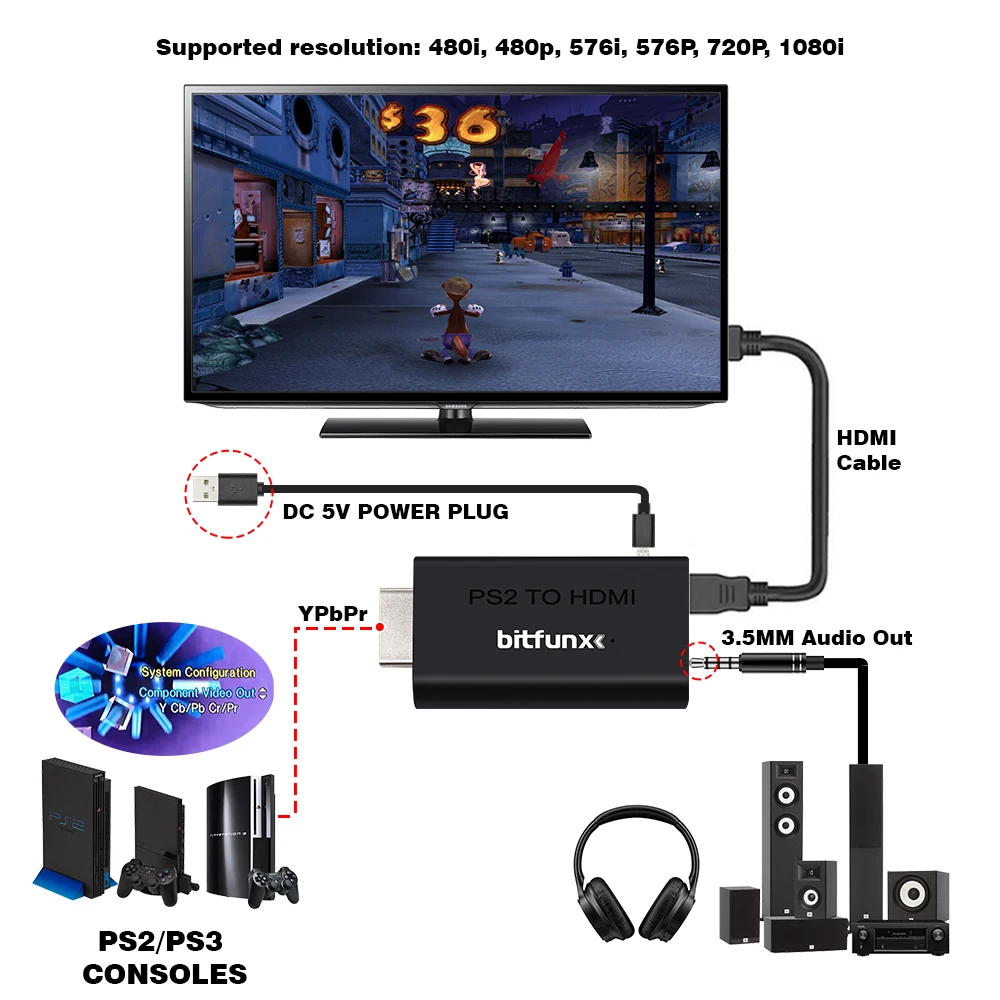
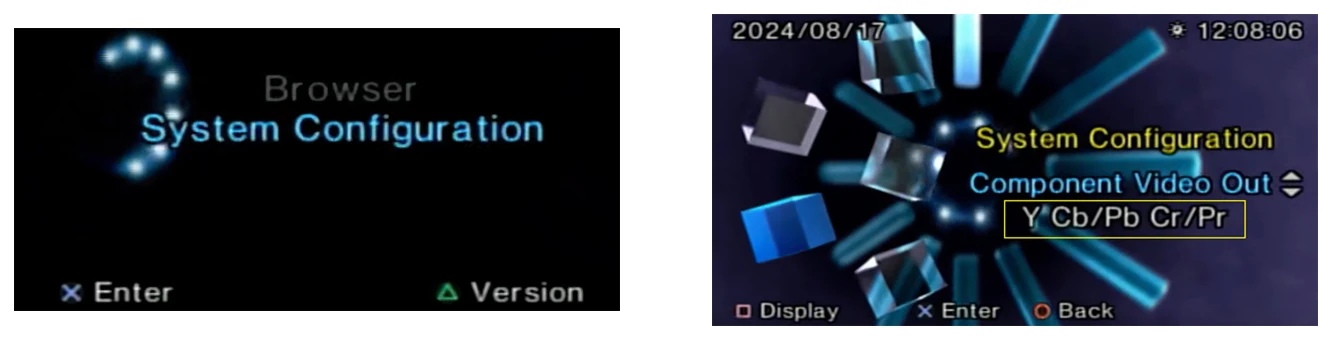
This PlayStation 2 to HDMI™ Converter actually converts Component Video (YPbPr) to HDMI™, which is highest possible image quality from PS2. To enable Component Video output for this adapter, be sure to select "Y Cb/Pb Cr/Pr" as the output type in the PS2 system menu ("System configuration -> component video out"). "RGB" will not work with this adapter if selected.
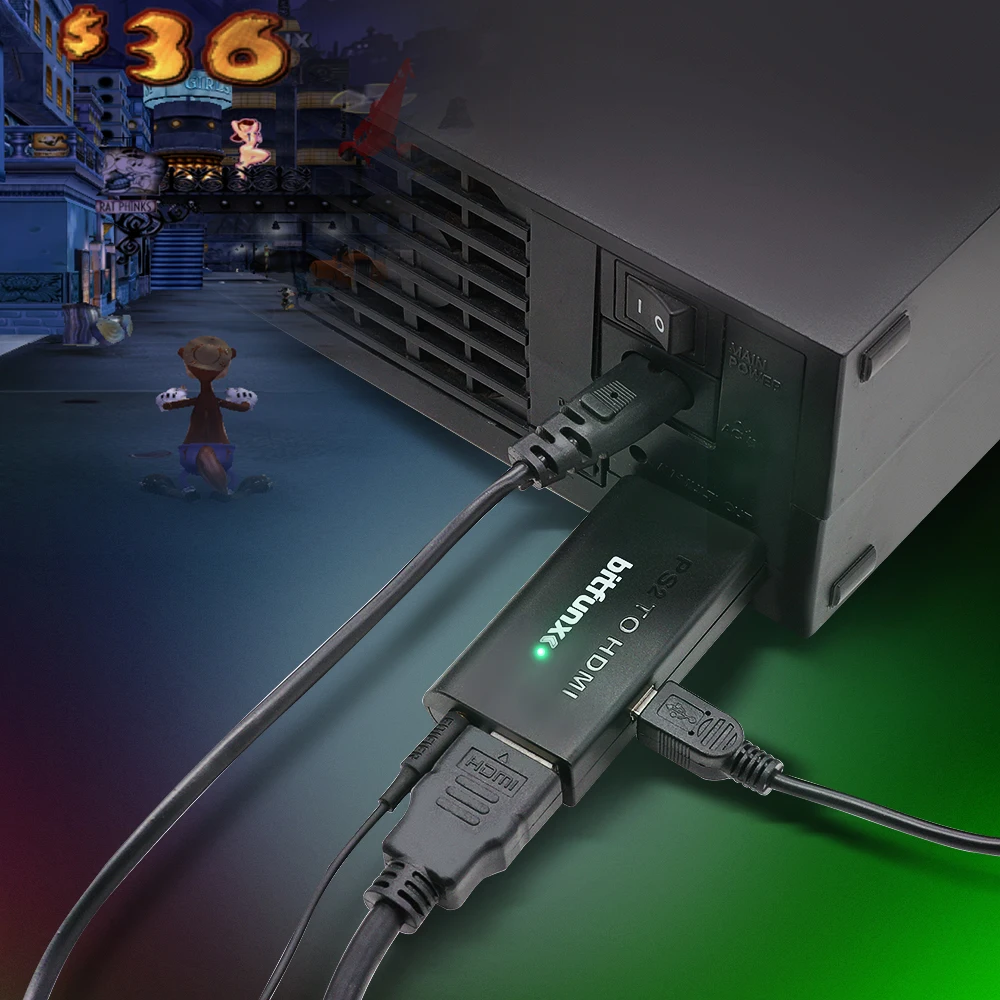
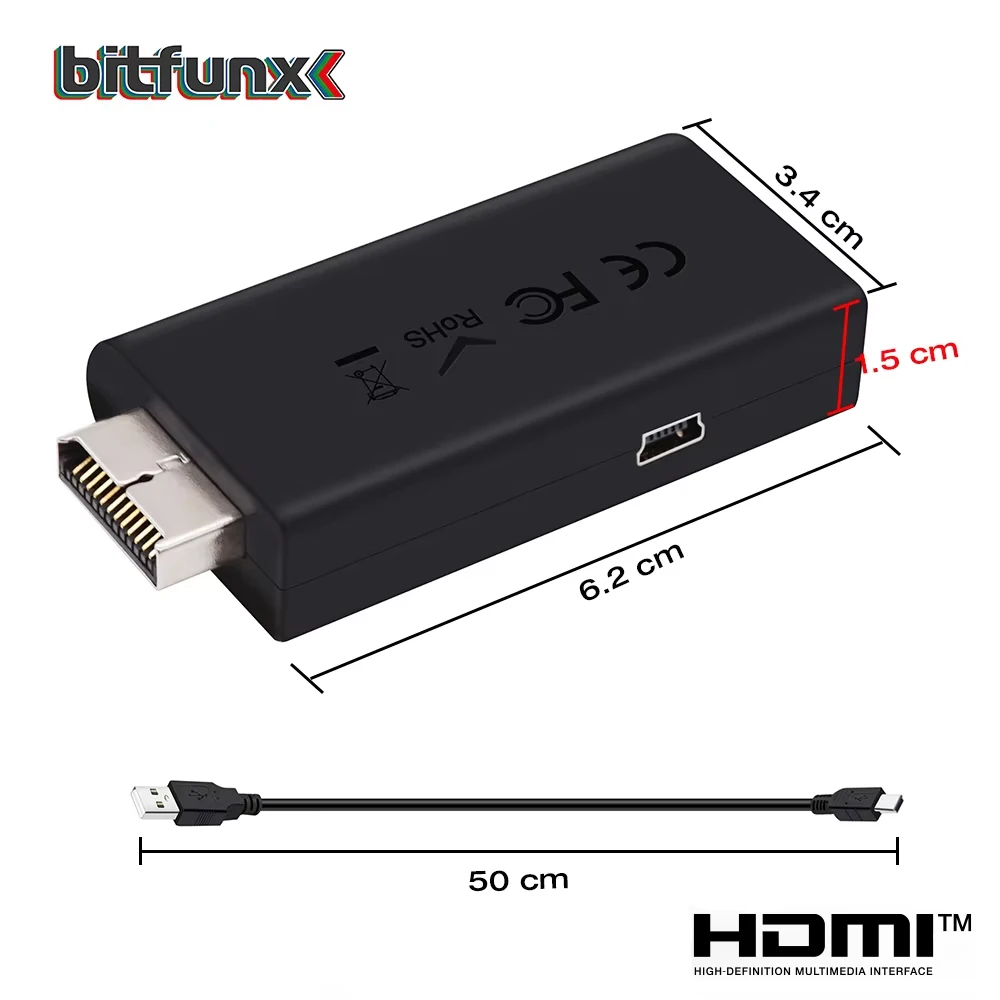
The converter itself is powered by USB, which can be done by connecting the converter to a USB port on your PlayStation using the included USB power cable. And providing your with a Female HDMI™ socket and a 3.5mm Audio Jack – ideal for connecting headphones or an external set of speakers.
How to output 1080i?
(please visit the video)
FEATURES
-
Video and audio output, no transmission loss.
-
Support resolution: 480i, 480p, 576i, 576P, 720P, 1080i display modes.
-
Easy to use. Plug and play.
-
USB cable powered, no power adapter needed.

FAQ
Q1:Can it support GSM 1080i or 720p ?
A1: Yes, It can.
Q2: Will GSM mode of OPL work?
A2: Yes, It will.
Q3: Why does my PS2 console not show image?


Reviews
There are no reviews yet.